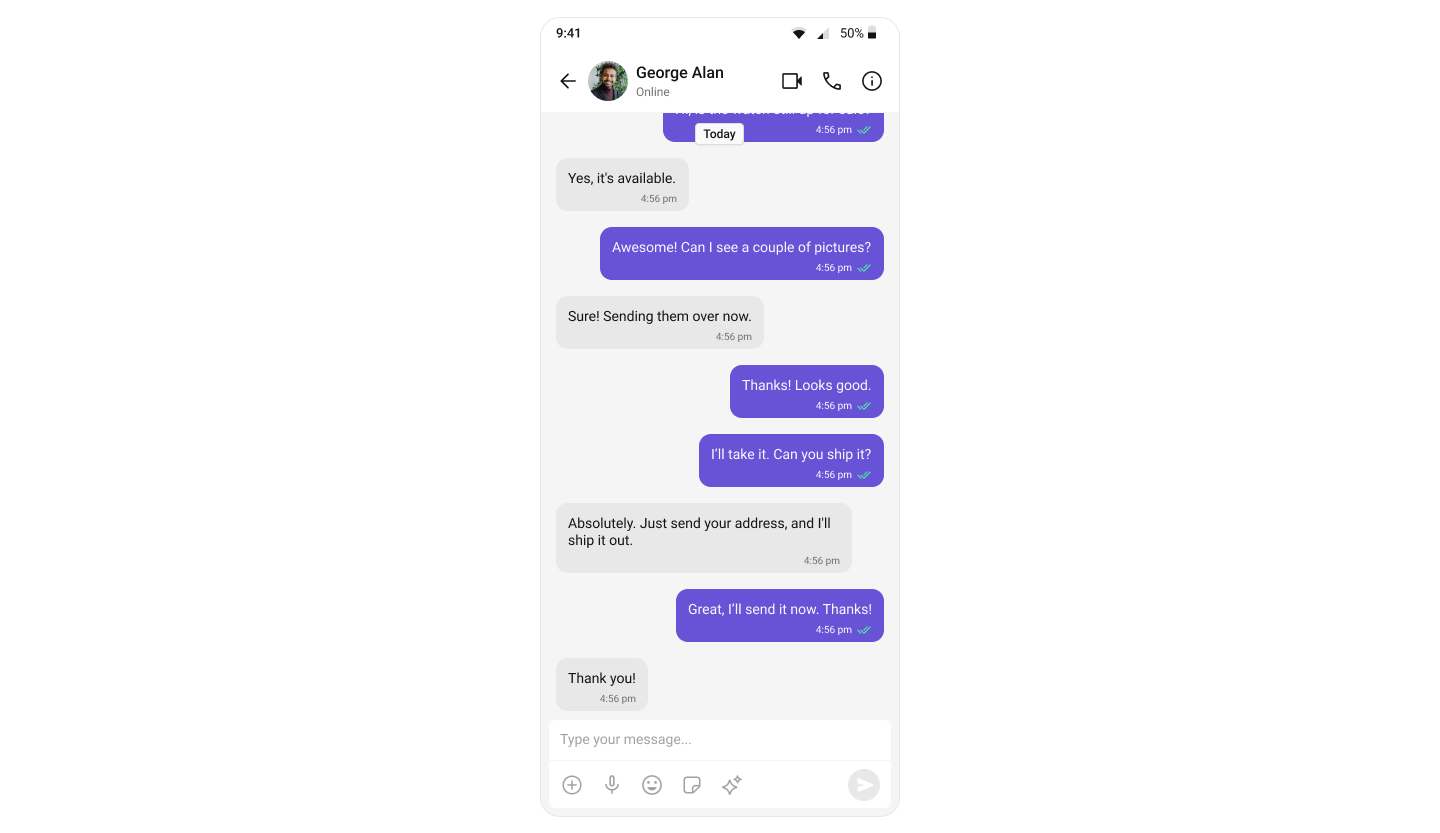
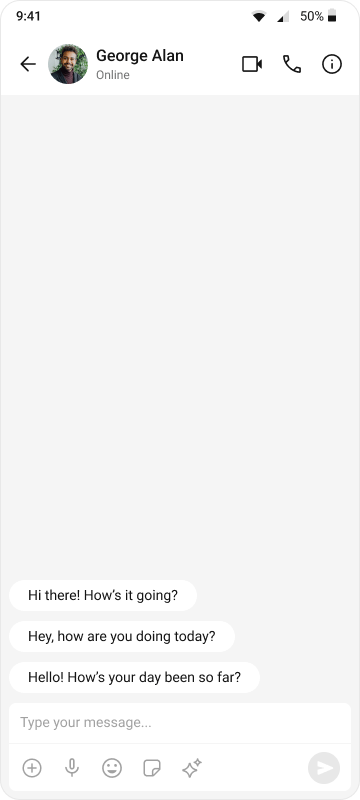
import 'package:flutter/material.dart';
import 'package:cometchat_chat_uikit/cometchat_chat_uikit.dart';
import 'package:cometchat_calls_uikit/cometchat_calls_uikit.dart'; //Optional: Include if you're using Audio/Video Calling
import 'messages_screen.dart';
import 'cometchat_config.dart';
import 'dart:async';
void main() => runApp(const MyApp());
class MyApp extends StatelessWidget {
const MyApp({super.key});
@override
Widget build(BuildContext context) {
return MaterialApp(
title: 'CometChat UI Kit',
theme: ThemeData(
colorScheme: ColorScheme.fromSeed(seedColor: Colors.deepPurple),
useMaterial3: true,
),
home: const Home(),
);
}
}
class Home extends StatelessWidget {
const Home({super.key});
Future<void> _initializeAndLogin() async {
final settings = UIKitSettingsBuilder()
..subscriptionType = CometChatSubscriptionType.allUsers
..autoEstablishSocketConnection = true
..appId = CometChatConfig.appId
..region = CometChatConfig.region
..authKey = CometChatConfig.authKey
..extensions = CometChatUIKitChatExtensions.getDefaultExtensions() //Replace this with empty array, if you want to disable all extensions
..callingExtension = CometChatCallingExtension(); //Optional: Include if you're using Audio/Video Calling
await CometChatUIKit.init(uiKitSettings: settings.build());
await CometChatUIKit.login(
'cometchat-uid-1',
onSuccess: (_) => debugPrint('✅ Login Successful'),
onError: (err) => throw Exception('Login Failed: $err'),
);
}
@override
Widget build(BuildContext context) {
return FutureBuilder<void>(
future: _initializeAndLogin(),
builder: (ctx, snap) {
if (snap.connectionState != ConnectionState.done) {
return const Scaffold(
body: SafeArea(
child: Center(child: CircularProgressIndicator()),
),
);
}
if (snap.hasError) {
return Scaffold(
body: SafeArea(
child: Center(
child: Text(
'Error starting app:\n${snap.error}',
textAlign: TextAlign.center,
),
),
),
);
}
return const MessagesPage();
},
);
}
}
class MessagesPage extends StatelessWidget {
const MessagesPage({super.key});
Future<User> fetchCometChatUser(String uid) async {
final completer = Completer<User>();
CometChat.getUser(
uid,
onSuccess: (user) => completer.complete(user),
onError: (error) => completer.completeError(error),
);
return completer.future;
}
  @override
  Widget build(BuildContext context) {
    return Scaffold(
      body: SafeArea(
        child: FutureBuilder<User>(
          future: fetchCometChatUser("cometchat-uid-2"),
          builder: (context, snapshot) {
            if (snapshot.connectionState == ConnectionState.waiting) {
              return const Center(child: CircularProgressIndicator());
            } else if (snapshot.hasError) {
              return Center(child: Text("Error: ${snapshot.error}"));
            } else if (snapshot.hasData) {
              return MessagesScreen(user: snapshot.data!);
            } else {
              return const Center(child: Text("User not found"));
            }
          },
        ),
      ),
    );
  }
}