Overview
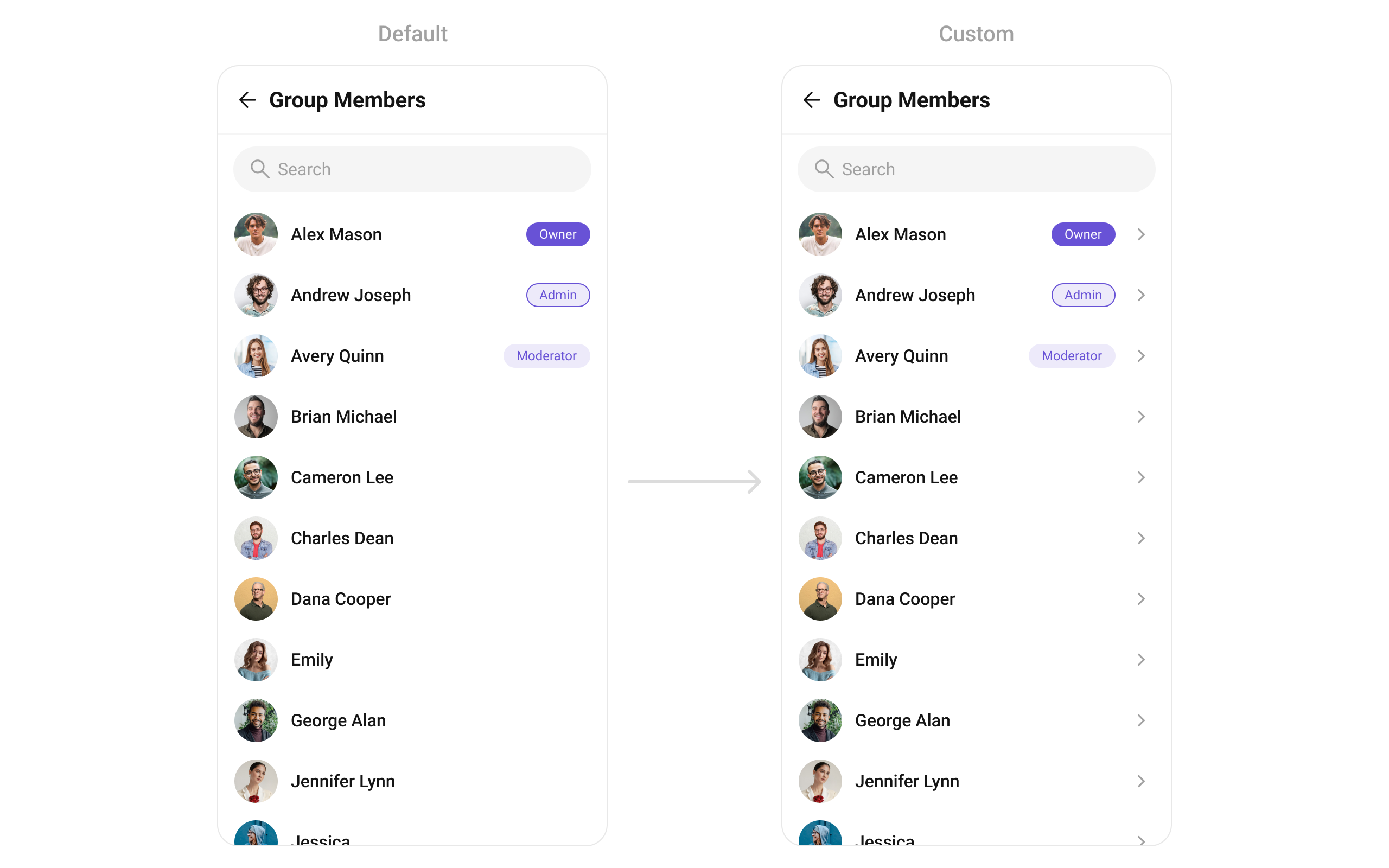
CometChatGroupMembers is a versatile Widget designed to showcase all users who are either added to or invited to a group, thereby enabling them to participate in group discussions, access shared content, and engage in collaborative activities. CometChatGroupMembers have the capability to communicate in real-time through messaging, voice and video calls, and various other interactions. Additionally, they can interact with each other, share files, and join calls based on the permissions established by the group administrator or owner.
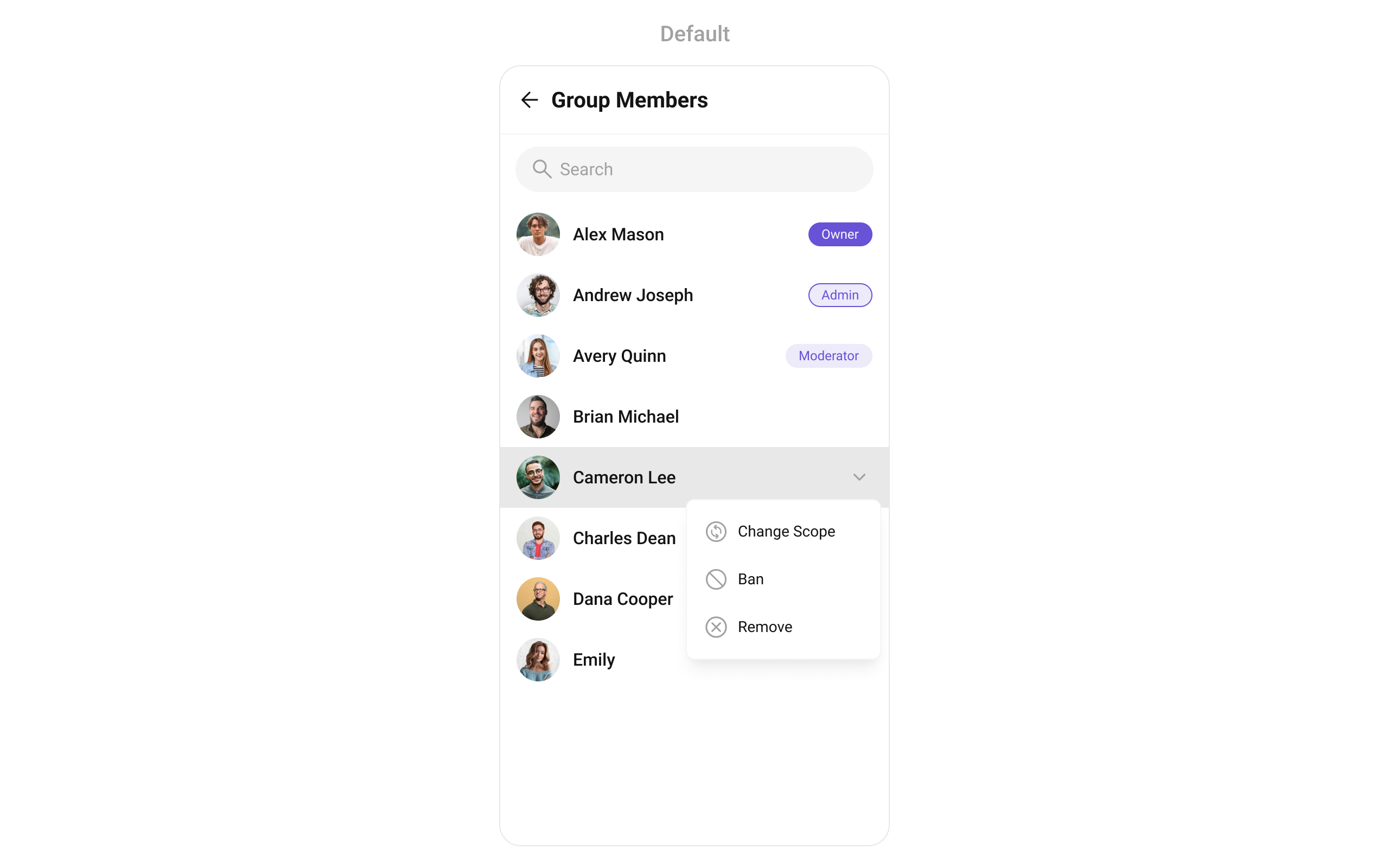
CometChatGroupMembers widget is composed of the following BaseWidgets:
Usage
Integration
CometChatGroupMembers , as a Composite Widget, offers flexible integration options, allowing it to be launched directly via button clicks or any user-triggered action.
You can launch CometChatGroupMembers directly using Navigator.push , or you can define it as a widget within the build method of your State class.
1. Using Navigator to Launch CometChatGroupMembers
- Dart
2. Embedding CometChatGroupMembers as a Widget in the build Method
- Dart
Actions
Actions dictate how a widget functions. They are divided into two types: Predefined and User-defined. You can override either type, allowing you to tailor the behavior of the widget to fit your specific needs.1. onItemTap
This method proves valuable when users seek to override onItemClick functionality withinCometChatGroupMembers , empowering them with greater control and customization options.
The onItemTap action doesn’t have a predefined behavior. You can override this action using the following code snippet.
- Dart
2. onItemLongPress
This method becomes invaluable when users seek to override long-click functionality withinCometChatGroupMembers , offering them enhanced control and flexibility in their interactions.
The onItemLongPress action doesn’t have a predefined behavior. You can override this action using the following code snippet.
- Dart
3. onBack
Enhance your application’s functionality by leveraging theonBack feature. This capability allows you to customize the behavior associated with navigating back within your app. Utilize the provided code snippet to override default behaviors and tailor the user experience according to your specific requirements.
- Dart
4. onError
You can customize this behavior by using the provided code snippet to override theonError and improve error handling.
- Dart
5. onSelection
When theonSelection event is triggered, it furnishes the list of selected members. This event can be invoked by any button or action within the interface. You have the flexibility to implement custom actions or behaviors based on the selected members.
This action does not come with any predefined behavior. However, you have the flexibility to override this event and tailor it to suit your needs using the following code snippet.
- Dart
onLoad
Invoked when the list is successfully fetched and loaded, helping track component readiness..- Dart
onEmpty
Called when the list is empty, enabling custom handling such as showing a placeholder message.- Dart
Filters
Filters allow you to customize the data displayed in a list within aWidget . You can filter the list based on your specific criteria, allowing for a more customized. Filters can be applied using RequestBuilders of Chat SDK.
1. GroupMembersRequestBuilder
Example
In the example below, we are applying a filter to the Group List based on limit and scope.
- Dart
2. GroupMembersProtocol
TheGroupMembersProtocol uses GroupsRequestBuilder enables you to filter and customize the search list based on available parameters in GroupsRequestBuilder.
This feature allows you to keep uniformity between the displayed Group Members List and Searched Group Members List.
Here is the complete example for reference:
Example
- Dart
custom_protocol_builder.dart
- Dart
main.dart
Events
Events are emitted by aWidget . By using event you can extend existing functionality. Being global events, they can be applied in Multiple Locations and are capable of being Added or Removed.
Events emitted by the Join Group widget is as follows.
Example
- Dart
your_screen.dart
Customization
To fit your app’s design requirements, you can customize the appearance of the Groups widget. We provide exposed methods that allow you to modify the experience and behavior according to your specific needs.Style
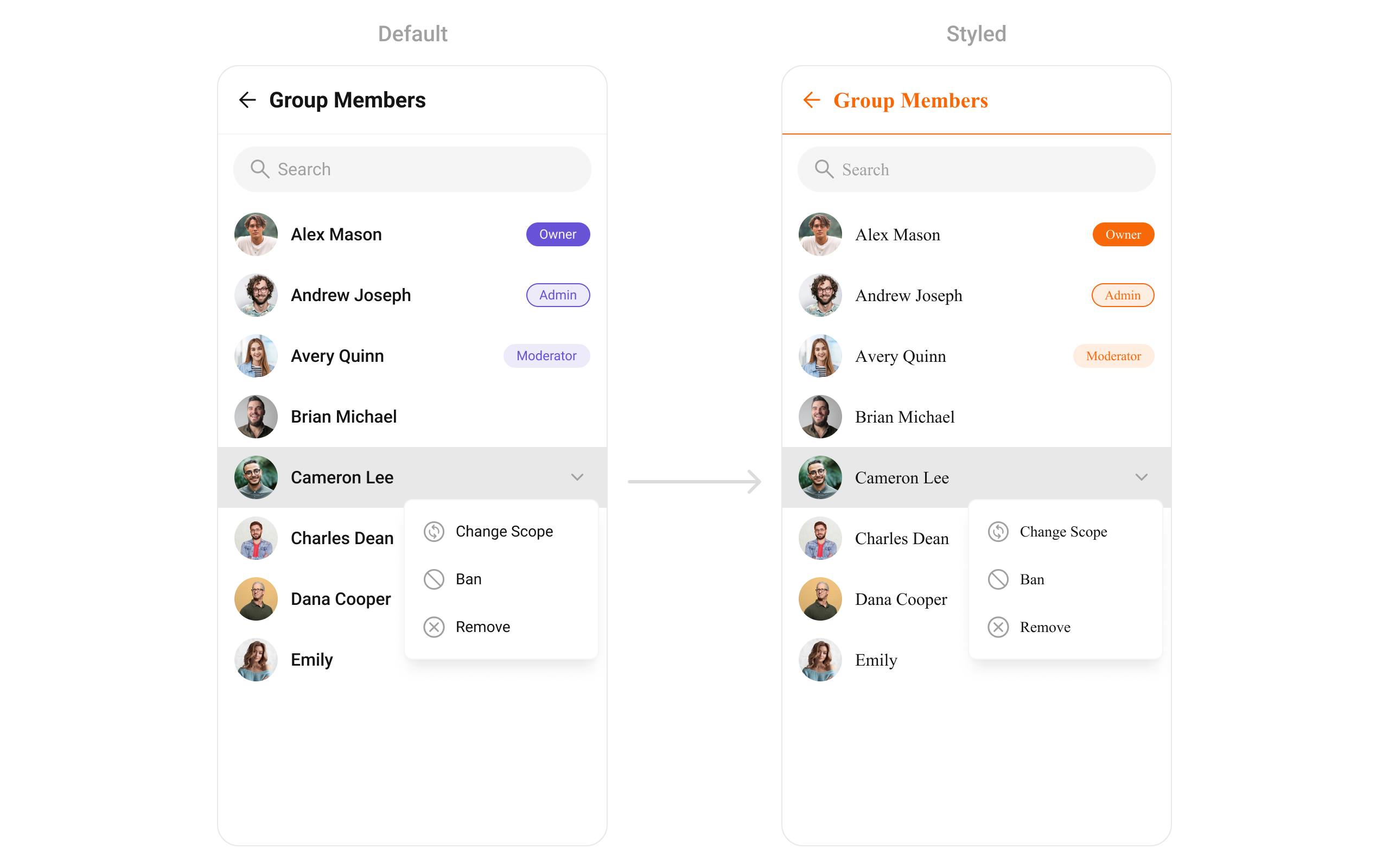
You can set theCometChatGroupMembersStyle to the CometChatGroupMembers Widget to customize the styling.
- Dart
Functionality
These are a set of small functional customizations that allow you to fine-tune the overall experience of the widget. With these, you can change text, set custom icons, and toggle the visibility of UI elements.- Dart
List of properties exposed by CometChatGroupMembers
Advanced
For advanced-level customization, you can set custom widgets to the widget. This lets you tailor each aspect of the widget to fit your exact needs and application aesthetics. You can create and define your own widgets and then incorporate those into the widget. TheCometChatGroupMembers widget does not provide additional functionalities beyond this level of customization.
setOptions
Defines a set of available actions that users can perform when they interact with a group member item.- Provide actions like “View Profile”, “Send Message”, “Remove from Group”.
- Restrict certain actions to admins (e.g., “Promote to Admin”, “Ban User”).
- Dart
addOptions
Adds custom actions to the existing options available when interacting with a group member.- Extend functionality by adding “Block User”, “Report User”, or “View Activity”.
- Customize actions based on member roles.
- Dart
loadingStateView
Displays a custom loading view while group members are being fetched.- Show a loading spinner with “Fetching group members…”.
- Implement a skeleton loader for a smoother UI experience.
- Dart
emptyStateView
Configures a view to be displayed when no group members are found.- Display a message like “No members in this group yet.”.
- Show a button to Invite Members.
- Dart
errorStateView
Defines a custom error state view when there is an issue loading group members.- Display a retry button with “Failed to load members. Tap to retry.”.
- Show an illustration for a better user experience.
- Dart
leadingView
Sets a custom leading view for each group member item, usually used for profile images or avatars.- Show a circular avatar with an online/offline indicator.
- Add a role-based badge (Admin, Moderator, Member).
- Dart
titleView
Customizes the title view, typically displaying the member’s name.- Customize fonts, colors, or styles for usernames.
- Add role-specific indicators like “(Group Admin)”.
- Dart
ListItemView
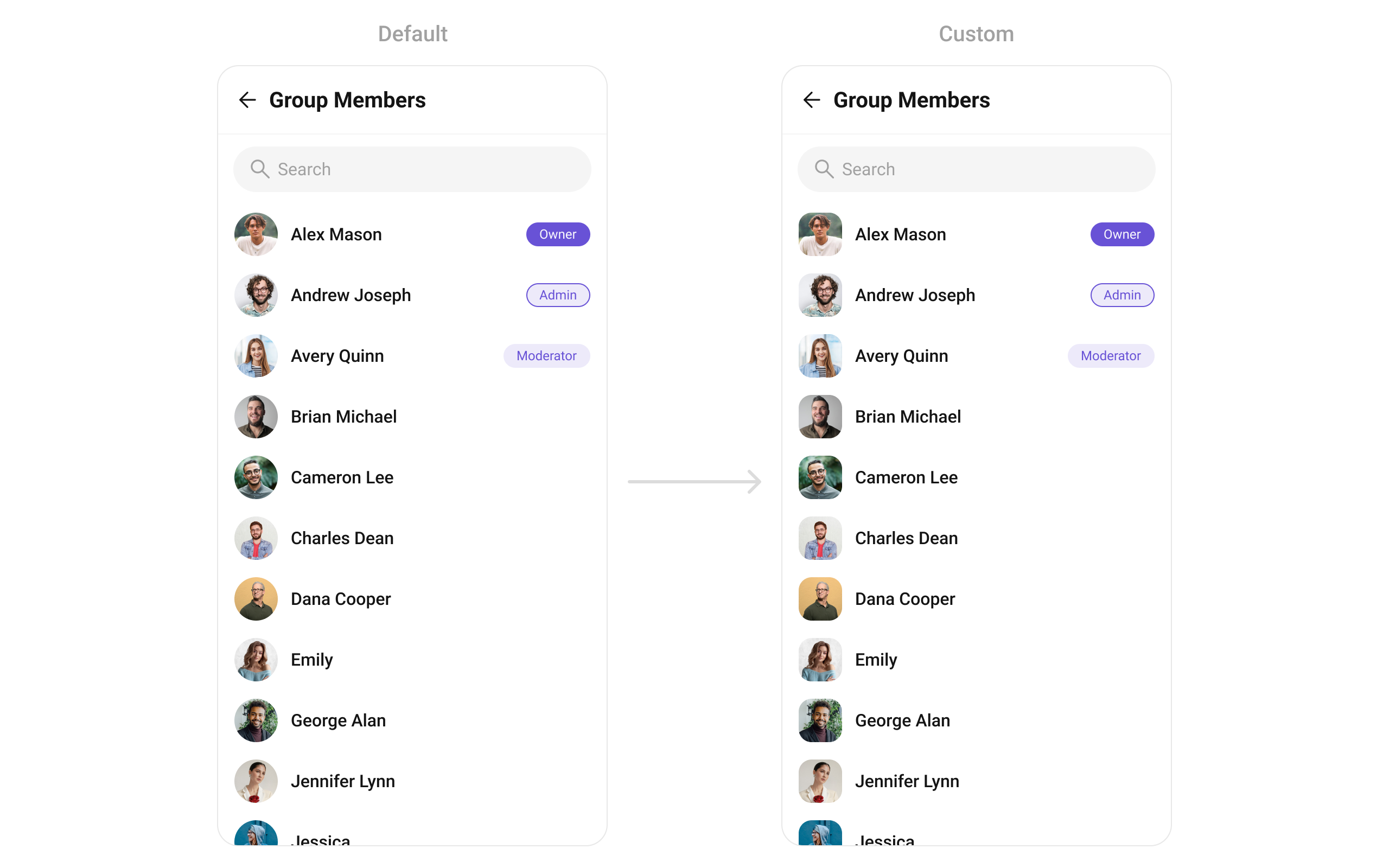
With this function, you can assign a custom ListItem to theCometChatGroupMembers Widget.
- Dart
widget
custom_list_item.dart for more complex or unique list items.
- Dart
custom_list_item.dart
- Dart
main.dart
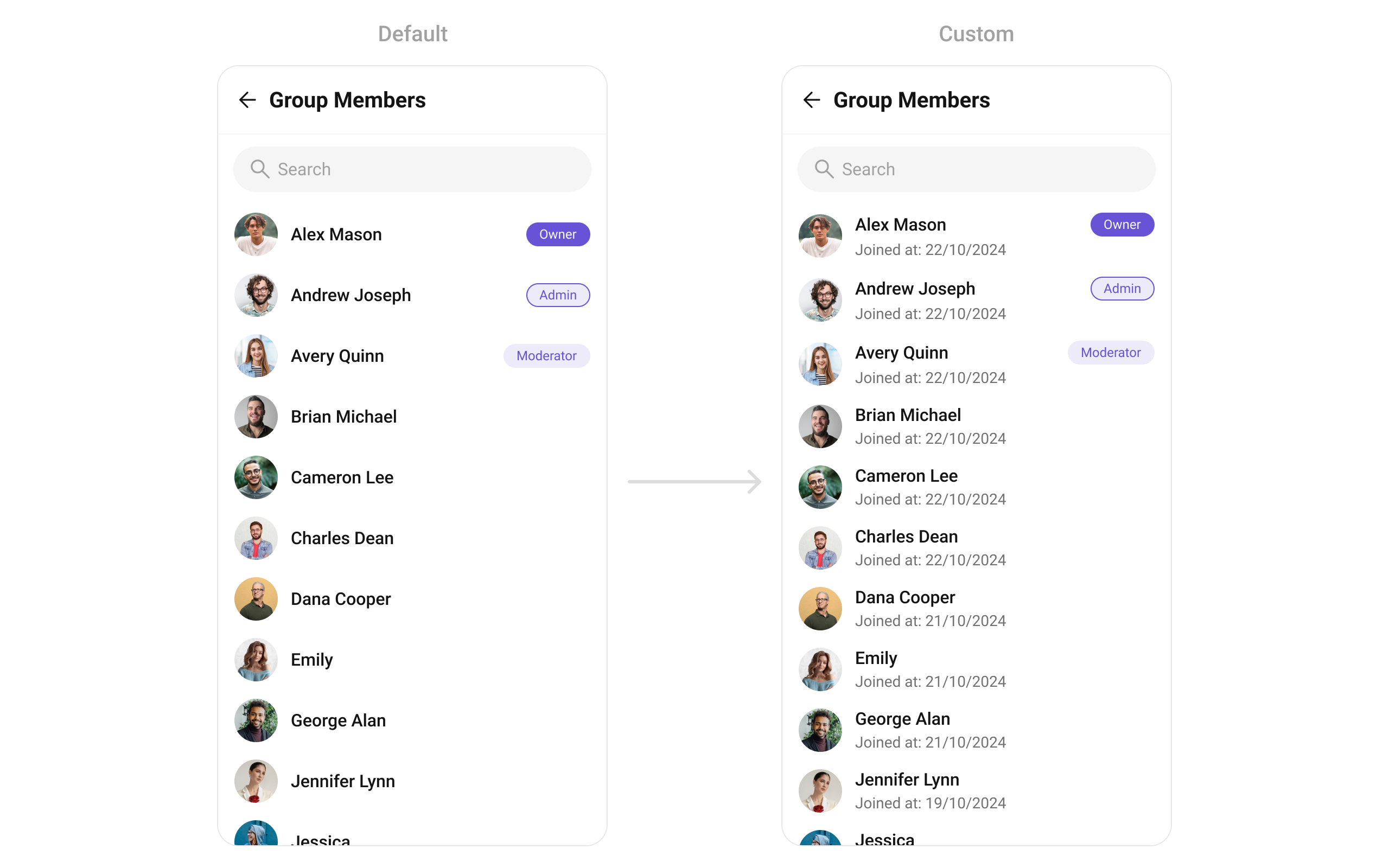
SubtitleView
You can customize the subtitle view for each item to meet your specific preferences and needs.- Dart
widget
- Dart
main.dart
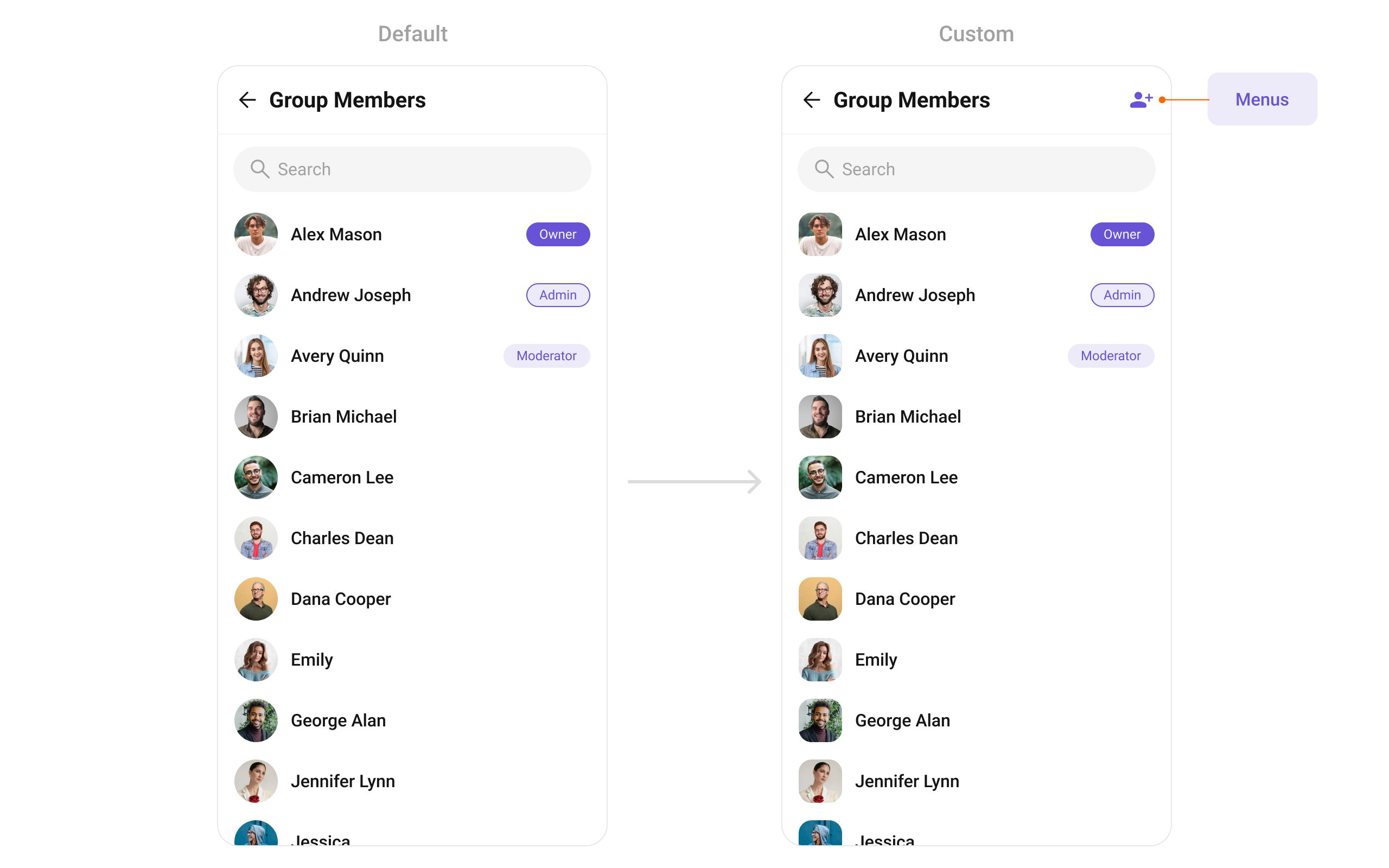
AppBarOptions
You can set the CustomappBarOptions to the CometChatGroupMembers widget.
- Dart
widget
- Dart
trailingView
Used to generate a custom trailing widget for theCometChatGroupMembers widget. You can add a Tail widget using the following method.
- Dart
widget
- Dart
main.dart